

School policies
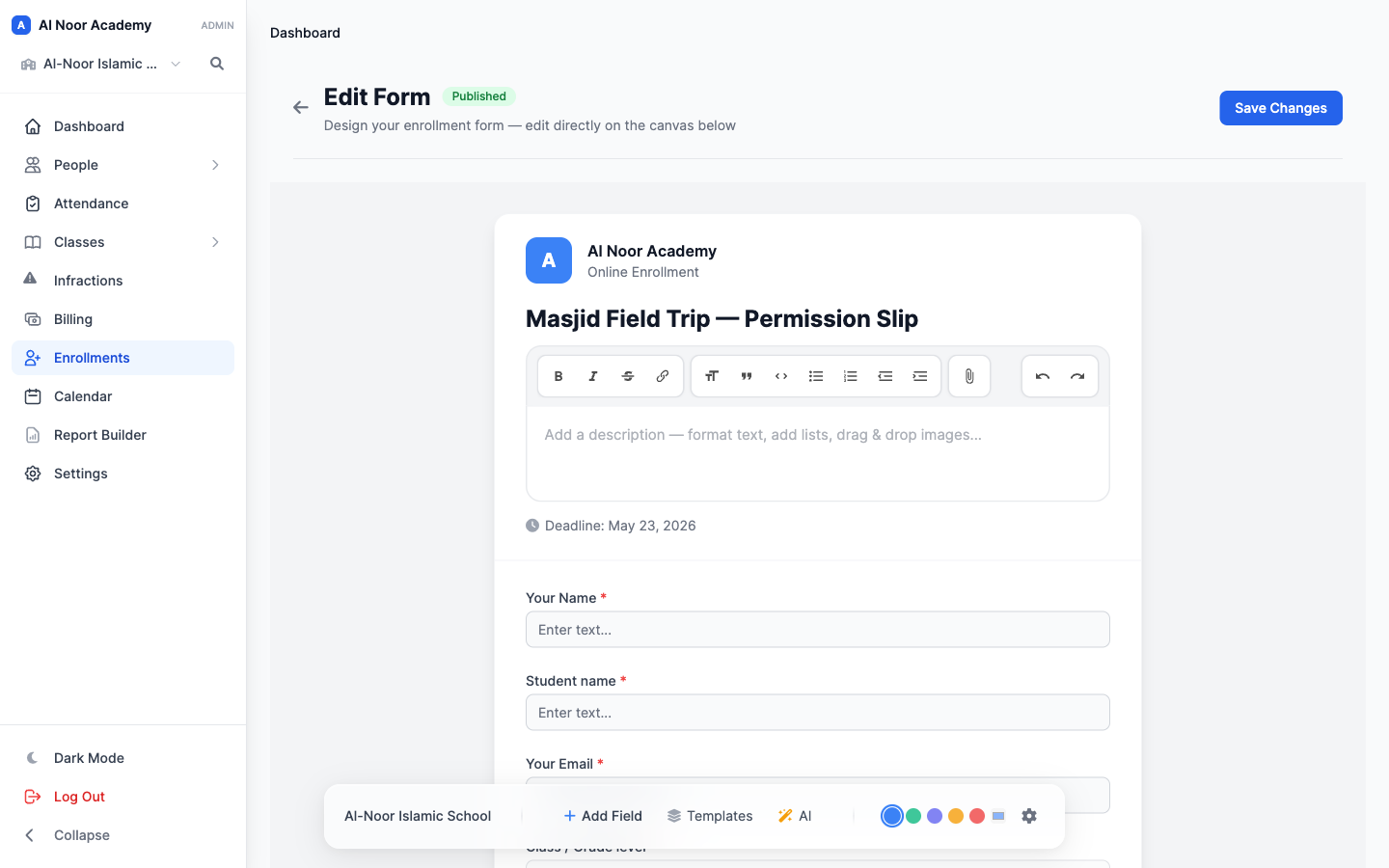
Collect agreement as part of the enrollment process.
 Giving by MarkTrack
Coming soon
Giving by MarkTrack
Coming soon
Solutions
Full-time K-12 schools Weekend & Sunday schools Evening maktabs UK madrasahs Canadian Islamic schools vs Schoology vs Gradelink vs FACTS SIS vs TeacherEase vs Canvas vs QuickSchoolsResources
What's new Customer stories Soon Webinars Soon Docs MarkTrack University Video guides Help Blog ContactConsent Forms
Give families a clear way to read and agree to your school's policies. Bring consent fields, signatures and submission records into your online forms so staff know where to find them.
01Set expectations clearly
Include consent in the form a family is already completing. From school policies to activity permissions, keep the wording and the requested response together so the agreement is easy to understand.
02Easy for families
Families open the published form, review the information and complete the requested consent or signature. Keep the response within the same submission as the rest of the form details.
03Find the answer later
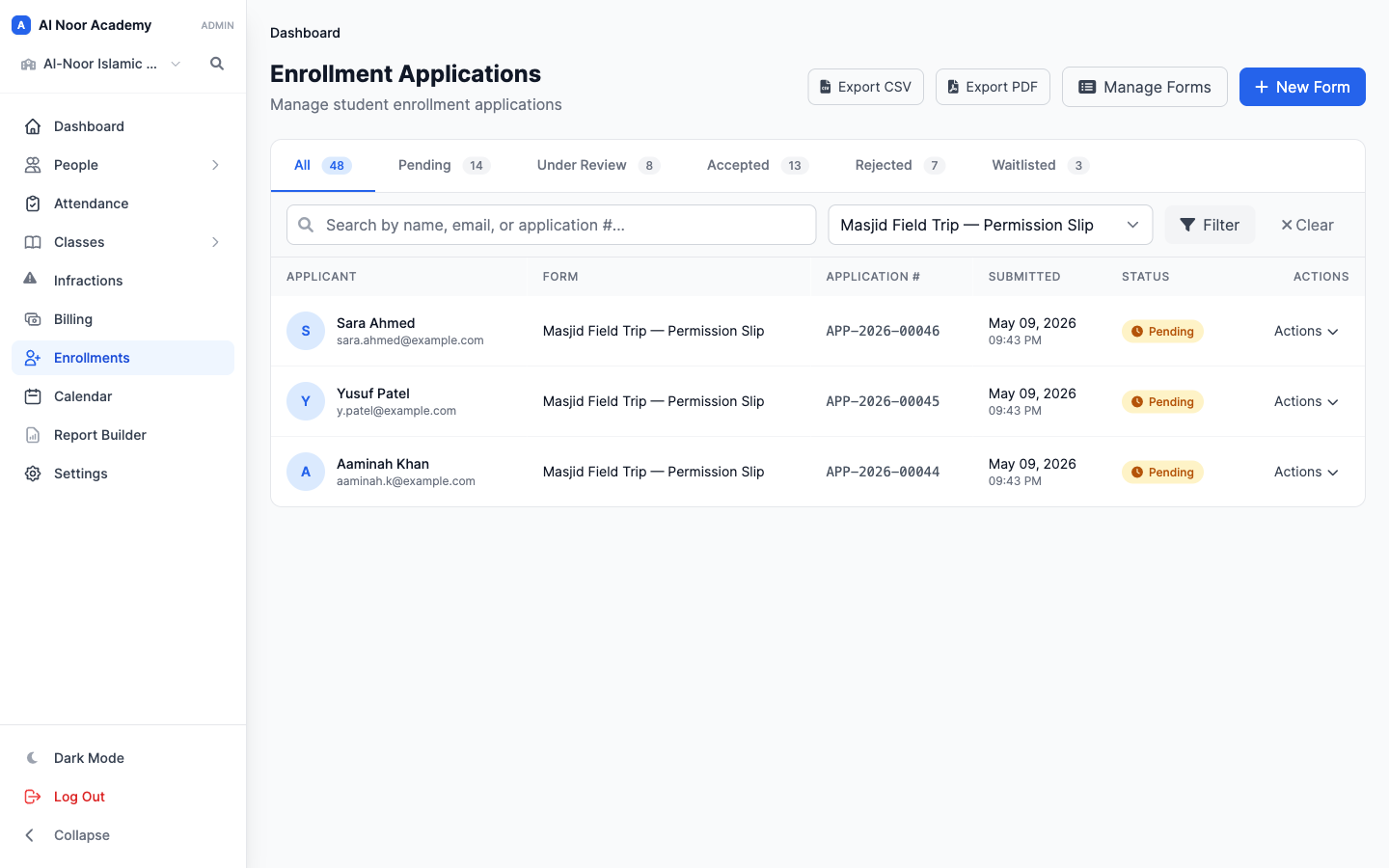
When a teacher or administrator needs to check a response, the form's submissions are the place to look. Review the submitted answers and their recorded context without searching through separate paper forms.
Thought through, down to the details
Collect agreement as part of the enrollment process.
Use forms for trips, clubs and school activities.
Make necessary acknowledgments part of form completion.
Keep signed responses connected to the submitted form.
A few more details
Want to see how it fits your program?
Talk to our team ↗Yes. Consent fields can be included in an enrollment form so families complete the required acknowledgments during the application.
Yes. Information forms support school activities and information requests beyond the initial application.
Staff review consent answers and recorded signature information within the form submission.
More time for what matters
Bring your people, programs and daily work together in MarkTrack.
Built for Islamic schools, weekend programs and Hifz academies.