
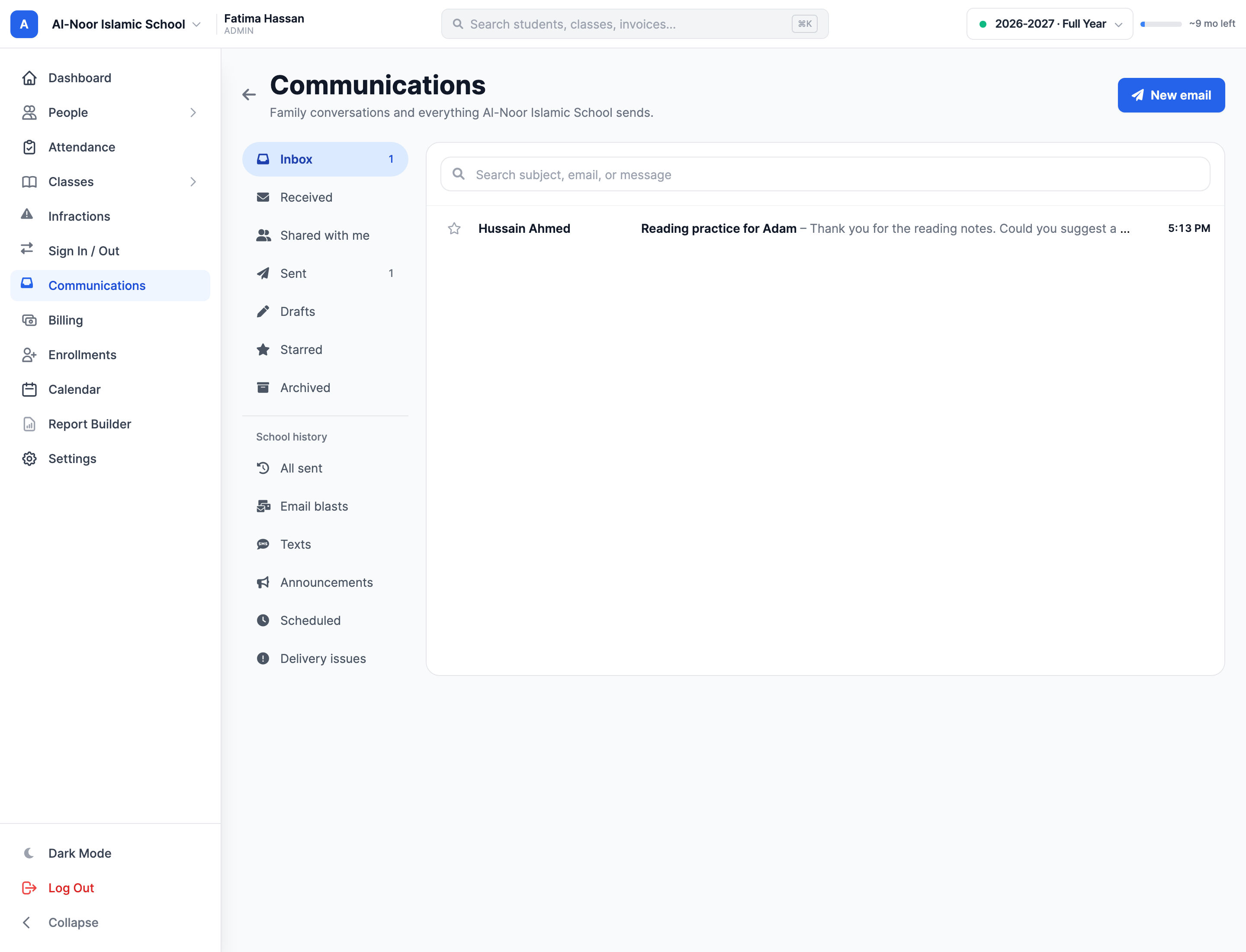
Message history
Return to previous school communications in one workspace.
 Giving by MarkTrack
Coming soon
Giving by MarkTrack
Coming soon
Solutions
Full-time K-12 schools Weekend & Sunday schools Evening maktabs UK madrasahs Canadian Islamic schools vs Schoology vs Gradelink vs FACTS SIS vs TeacherEase vs Canvas vs QuickSchoolsResources
What's new Customer stories Soon Webinars Soon Docs MarkTrack University Video guides Help Blog ContactParent & Student Comms
Bring school messages closer to the records and relationships behind them. Reach families by email, use configured SMS for timely updates and keep a history your team can return to.
01Reach the right people
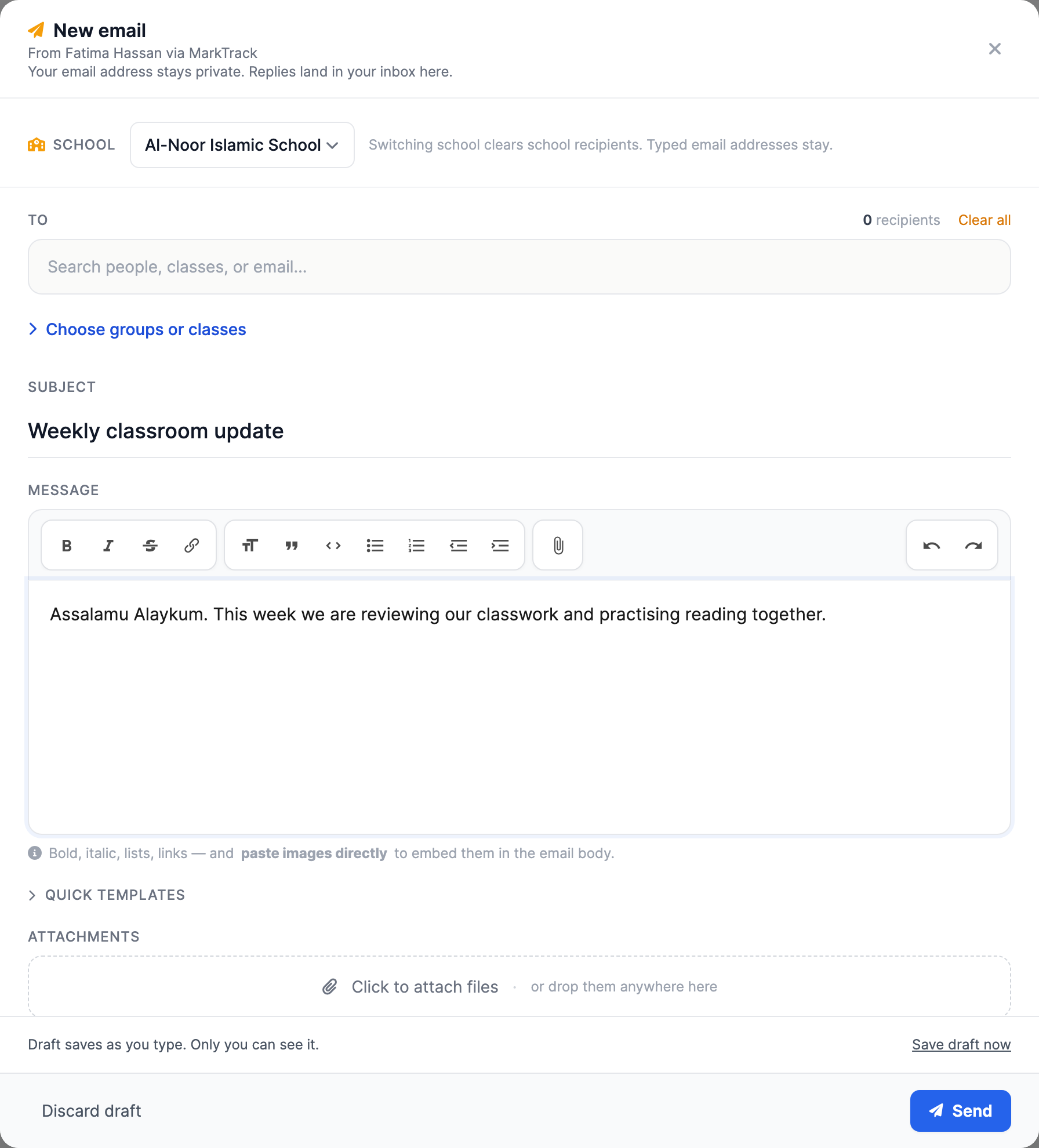
Compose a message from MarkTrack and choose the relevant recipients. Keep communication tied to the students, parents and classes in your school instead of rebuilding the same contact lists elsewhere.
02For time-sensitive updates
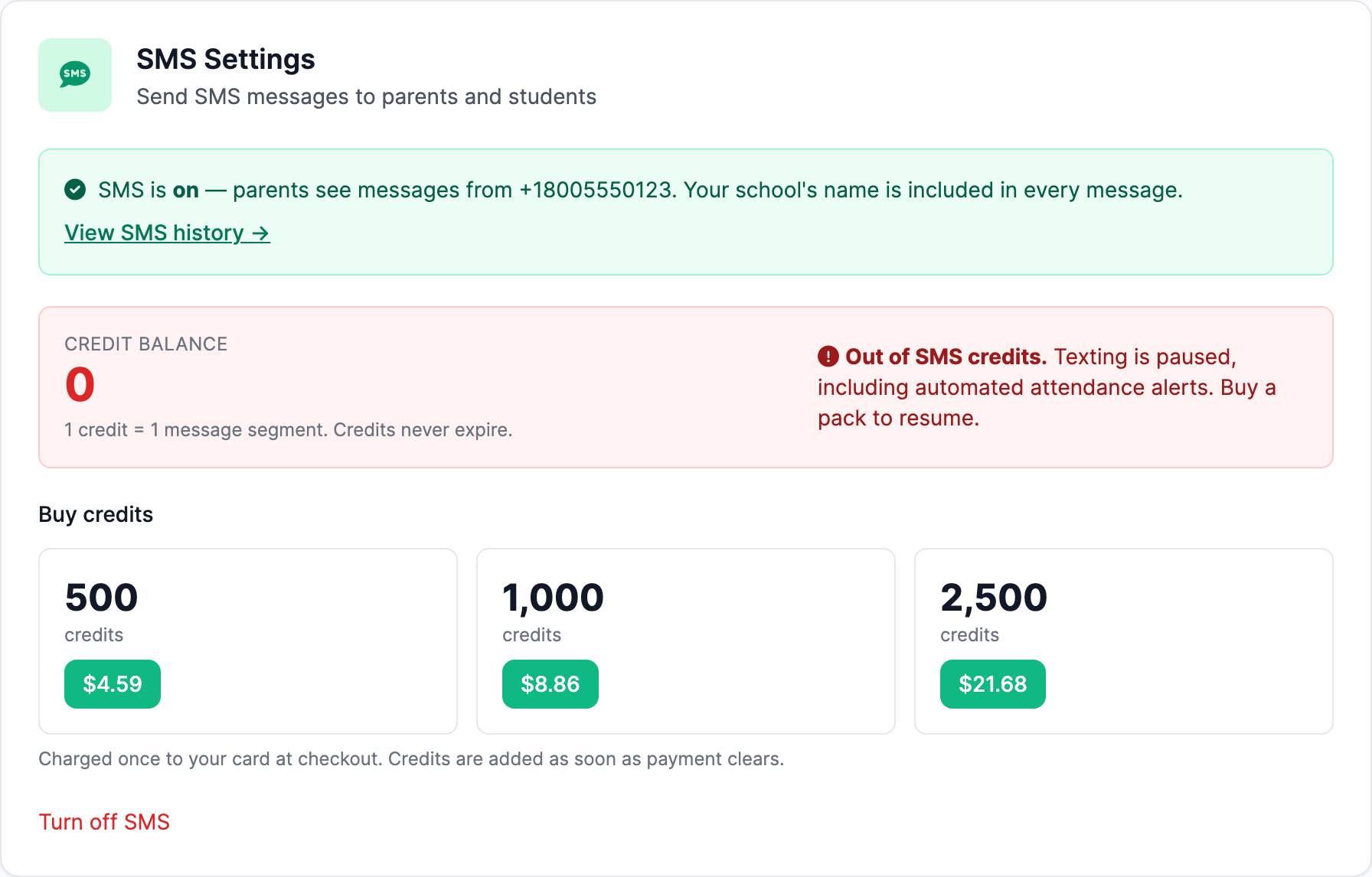
Configure SMS for the school when a short, timely message is appropriate. School settings control the available SMS workflow, while attendance and other notification settings define their own triggers.
03Follow the learning
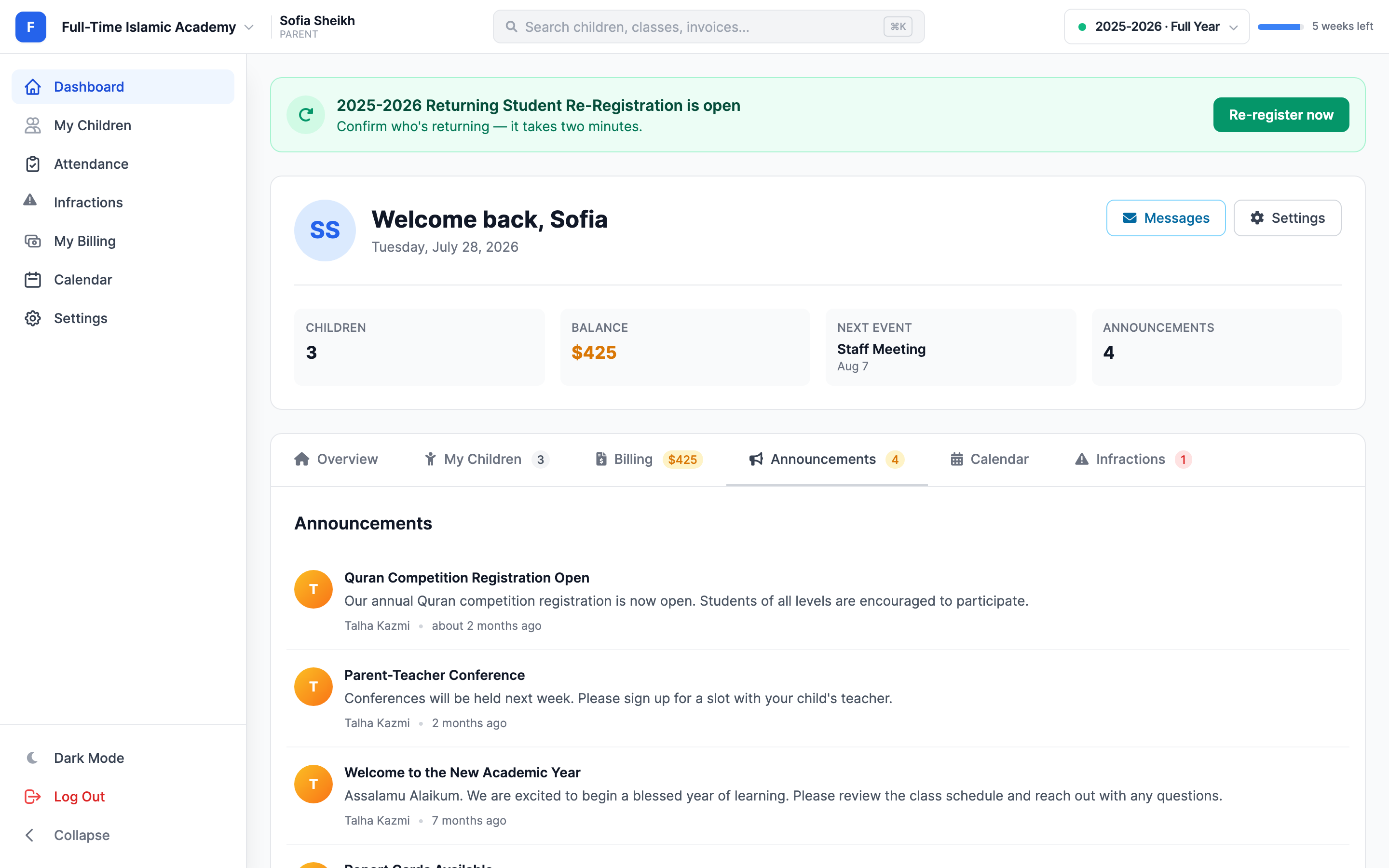
A grade comment, an absence request, a Hifz acknowledgment and a school announcement each have their place. Connected family accounts bring those touchpoints into one school relationship.
Thought through, down to the details
Return to previous school communications in one workspace.
Use parent-child relationships already maintained by the school.
Give families a place to catch up on shared news.
Configure updates where the underlying school activity happens.
A few more details
Want to see how it fits your program?
Talk to our team ↗Email communication is available through the composer. SMS depends on the school's SMS setup and the supported notification workflow.
Yes. The communications history provides a place to review recorded school outreach.
Yes. A grade comment can optionally be emailed from the gradebook, keeping that feedback tied to the assessed work.
More time for what matters
Bring your people, programs and daily work together in MarkTrack.
Built for Islamic schools, weekend programs and Hifz academies.