
Named periods
Give staff the same term choices across supported workflows.
 Giving by MarkTrack
Coming soon
Giving by MarkTrack
Coming soon
Solutions
Full-time K-12 schools Weekend & Sunday schools Evening maktabs UK madrasahs Canadian Islamic schools vs Schoology vs Gradelink vs FACTS SIS vs TeacherEase vs Canvas vs QuickSchoolsResources
What's new Customer stories Soon Webinars Soon Docs MarkTrack University Video guides Help Blog ContactAcademic Years
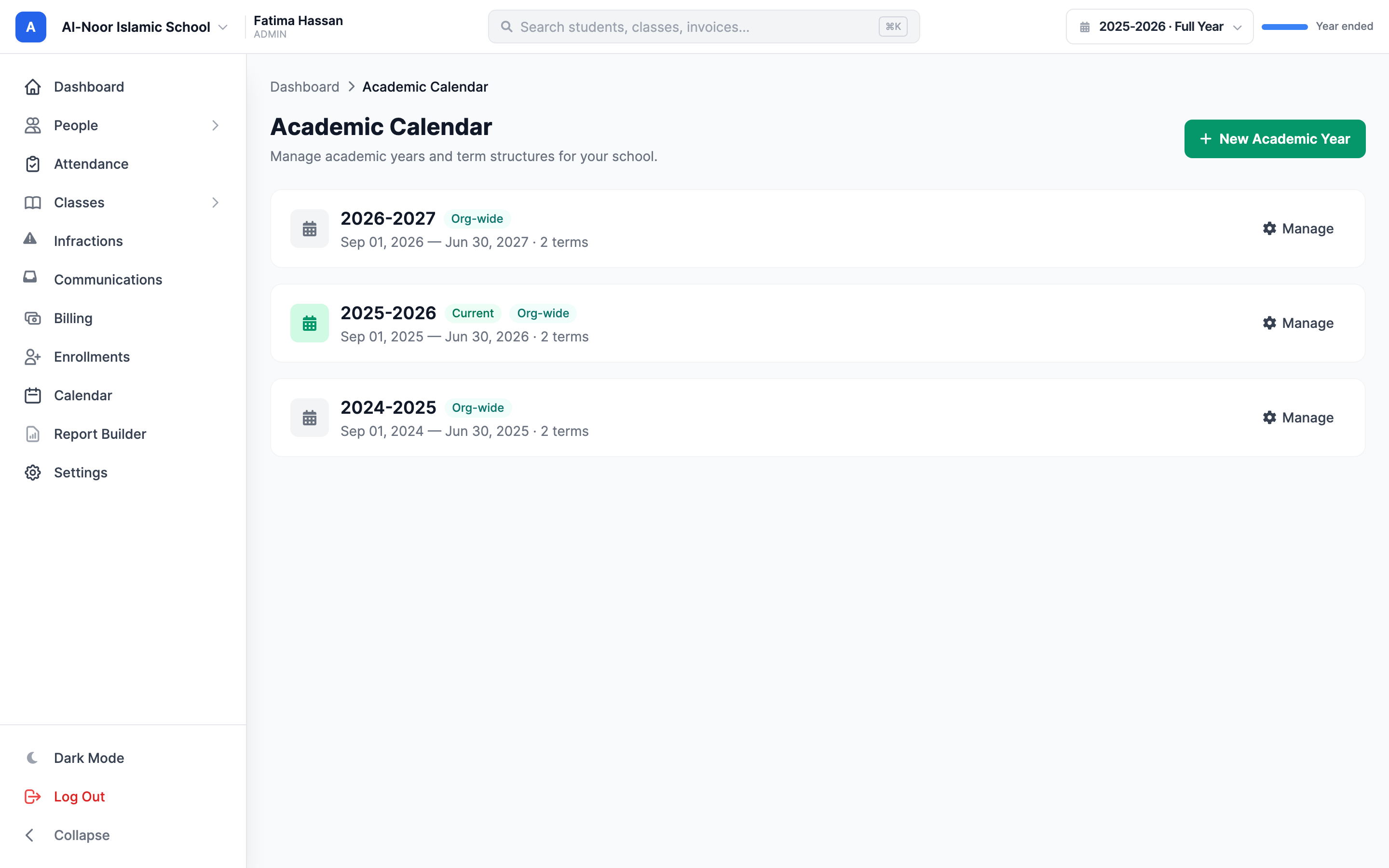
Give your school calendar a structure the whole team can follow. Organize years and terms, align grading periods and prepare for the next intake with a guided rollover workflow.
01Set the school rhythm
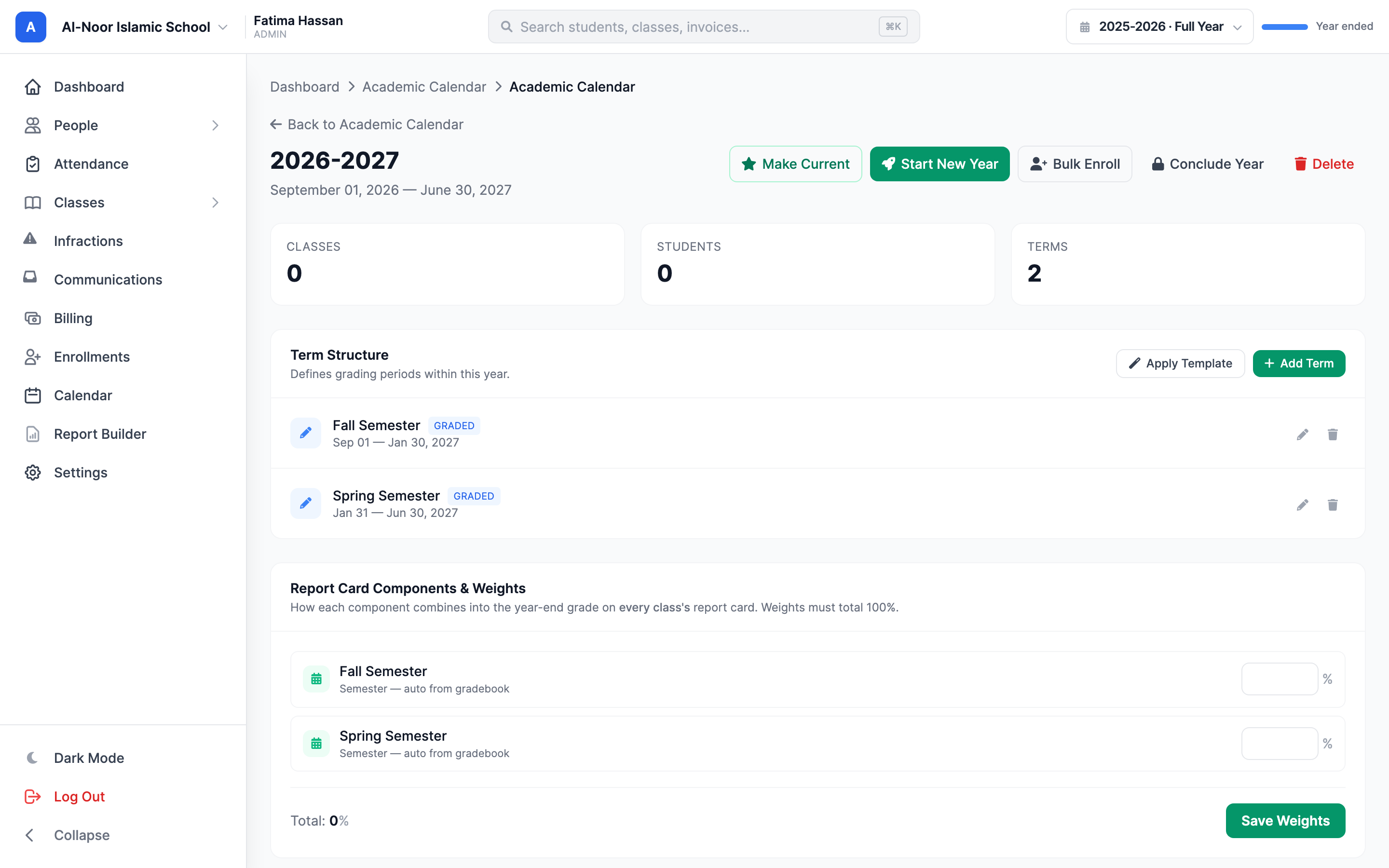
Create academic years and the terms within them. Your school gets named periods that can be selected across gradebooks, attendance views and reports, with the dates behind each period made explicit.
02Keep calculations aligned
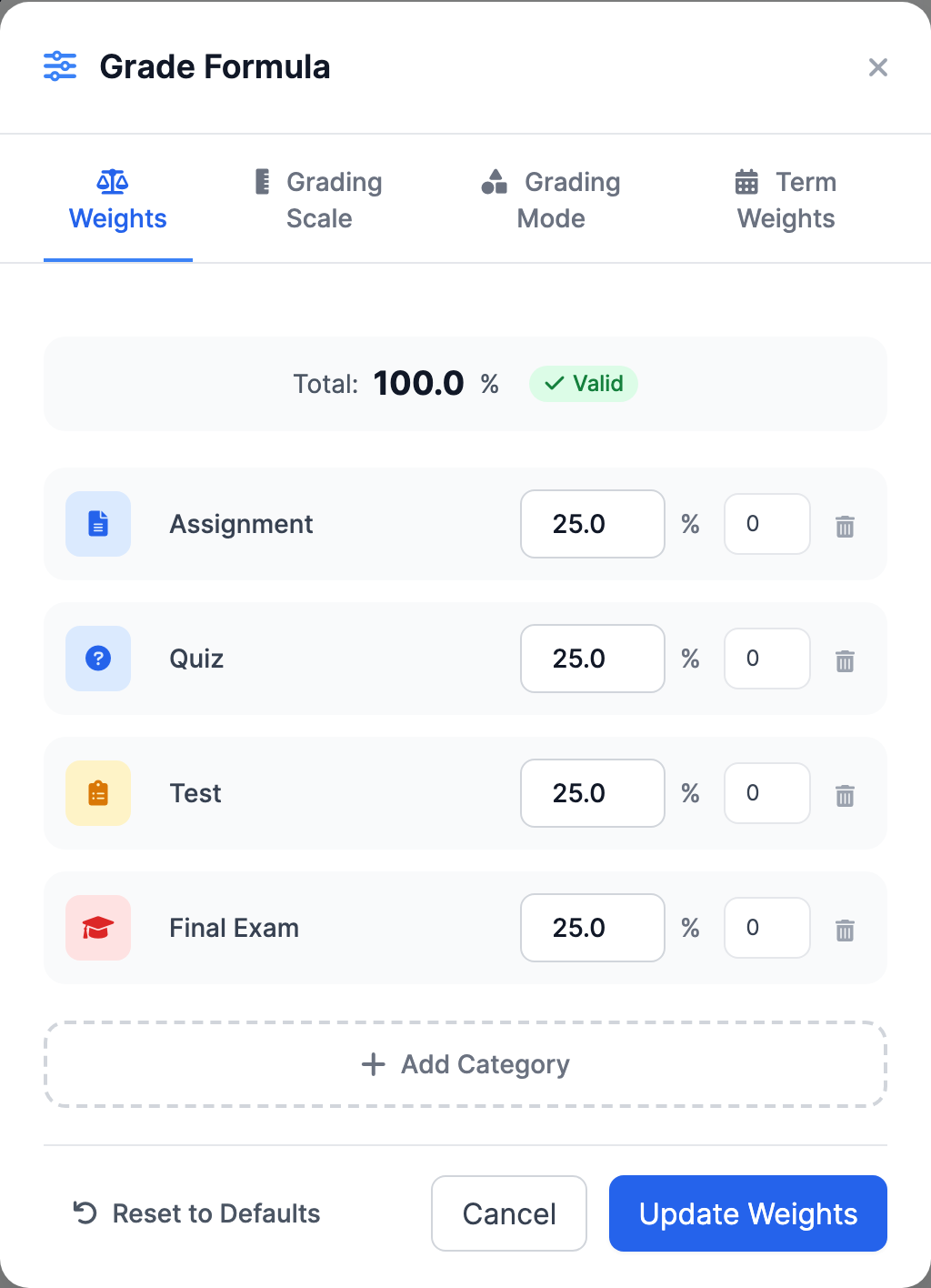
Connect academic periods to the way your school calculates and reports learning. Configure term weights and report-card components so the final result reflects your intended grading structure.
03Prepare the next chapter
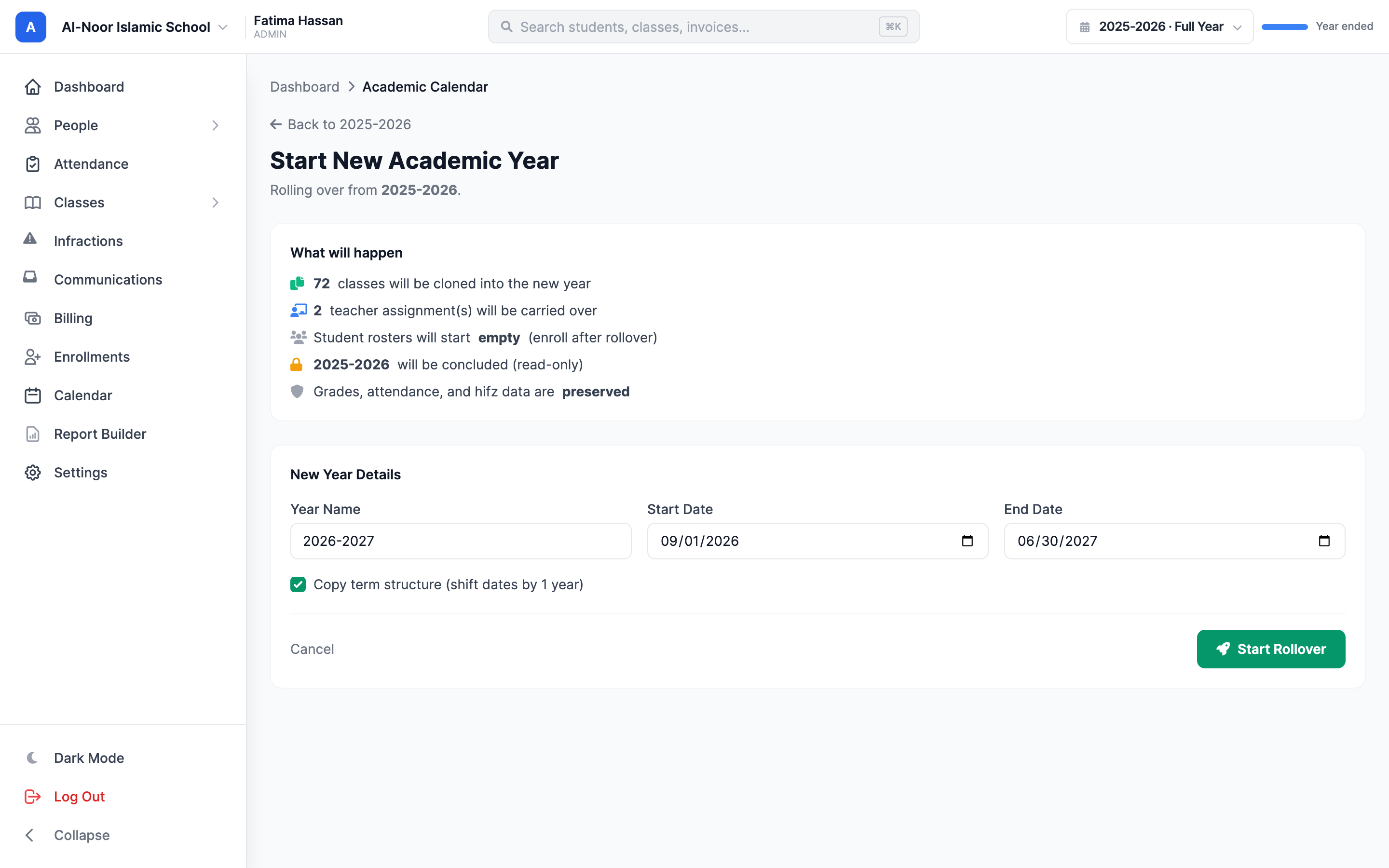
Use the rollover workflow to prepare the next school year and work through student placement. The previous year's records remain part of the school's history as you organize the classes ahead.
Thought through, down to the details
Give staff the same term choices across supported workflows.
Make the year-end calculation reflect your school's structure.
Generate student reports for a defined reporting period.
Keep older records associated with the year they belong to.
A few more details
Want to see how it fits your program?
Talk to our team ↗Yes. Set up academic years with the terms and dates used by your school.
Yes. Term weights are part of the academic grading setup.
The rollover workflow helps staff prepare the transition and student placement. Earlier records remain associated with their academic year.
More time for what matters
Bring your people, programs and daily work together in MarkTrack.
Built for Islamic schools, weekend programs and Hifz academies.