
Due dates
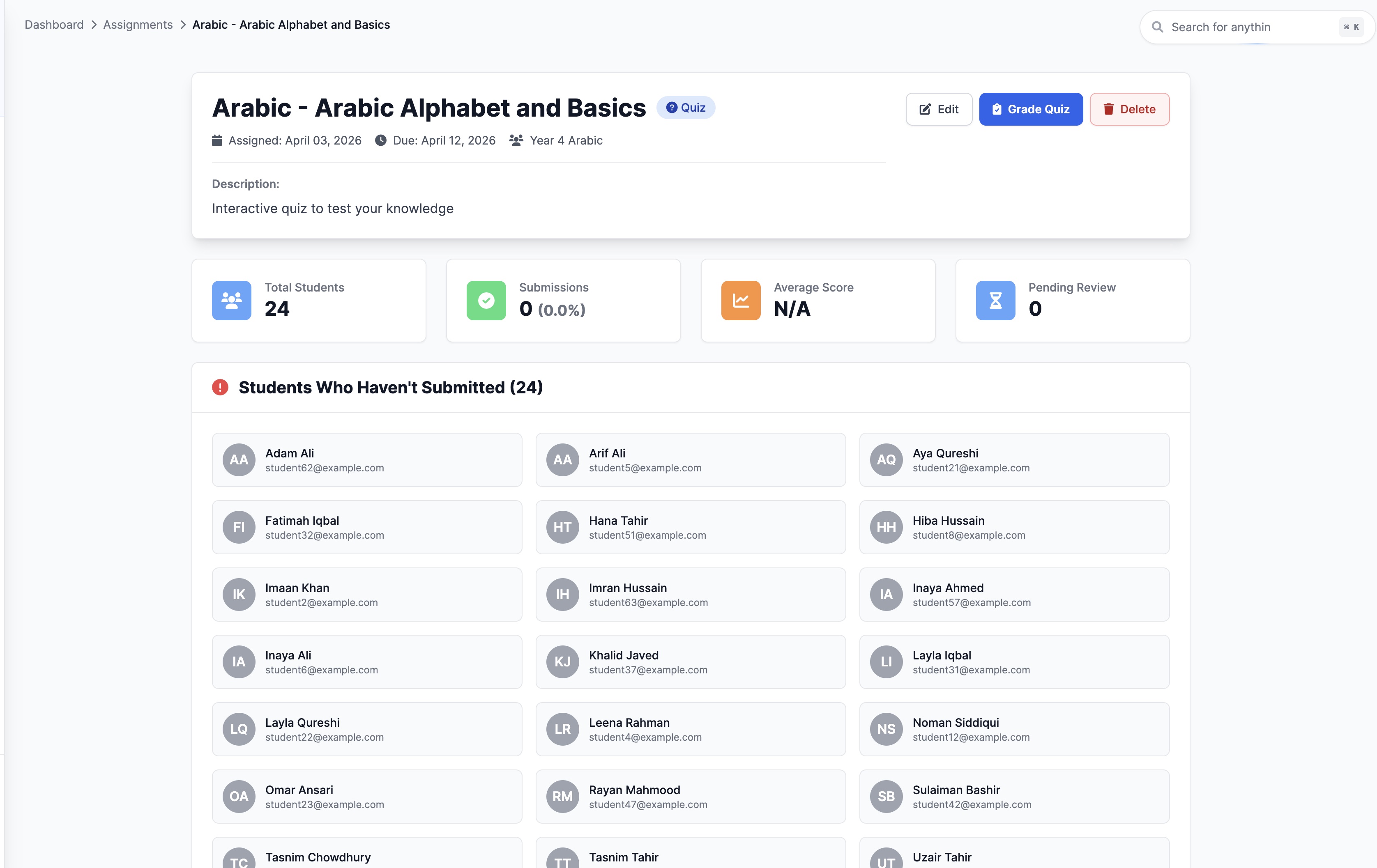
Give students a clear expectation for when work is due.
 Giving by MarkTrack
Coming soon
Giving by MarkTrack
Coming soon
Solutions
Full-time K-12 schools Weekend & Sunday schools Evening maktabs UK madrasahs Canadian Islamic schools vs Schoology vs Gradelink vs FACTS SIS vs TeacherEase vs Canvas vs QuickSchoolsResources
What's new Customer stories Soon Webinars Soon Docs MarkTrack University Video guides Help Blog ContactAssignments & Quizzes
Give classwork a clear home. Build quizzes, collect files and organize learning materials in the same place teachers manage their classes and grades.
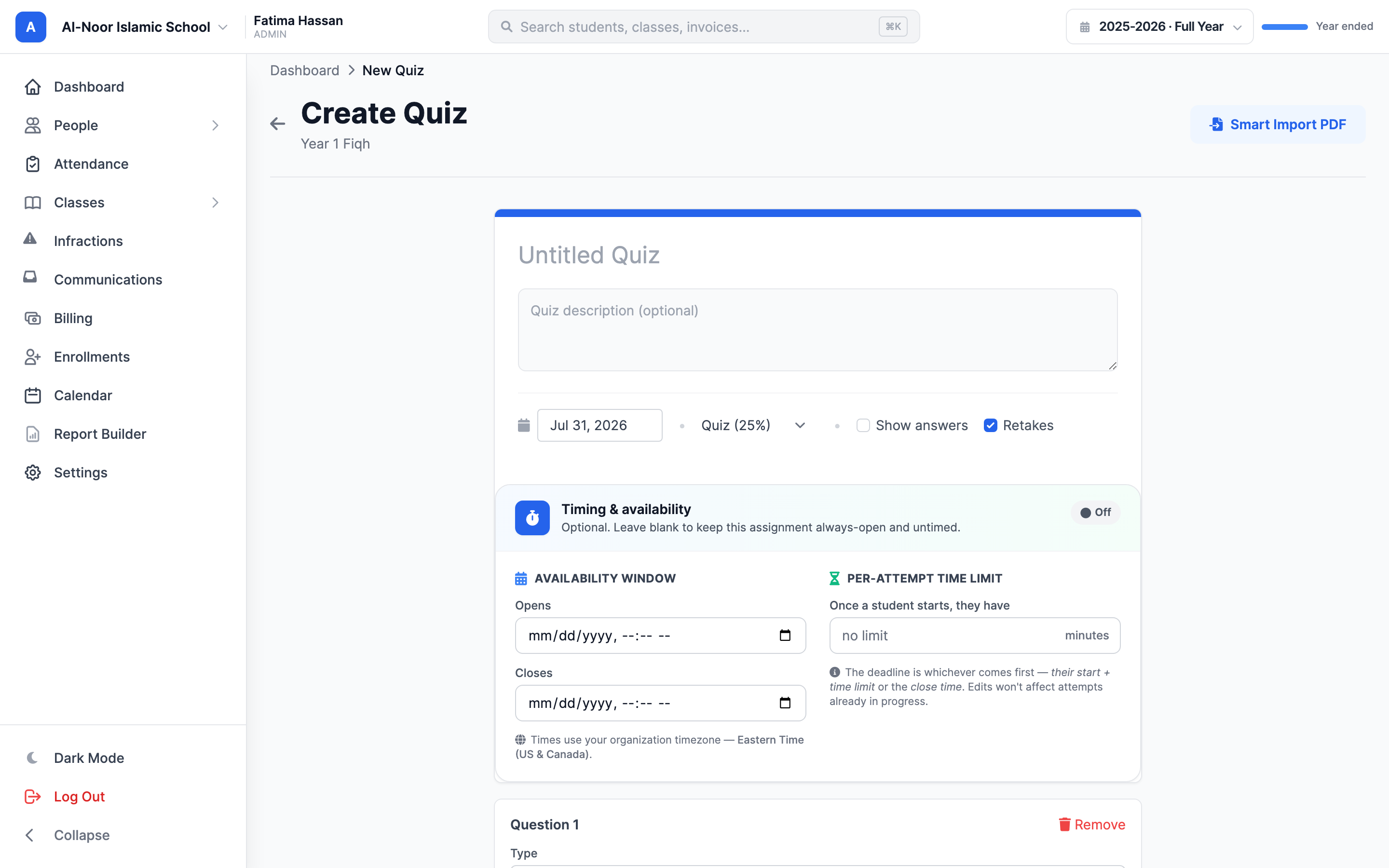
01Ask better questions
Build a quiz within the class, organize its questions and give students a defined piece of work to complete. Assignment details and results stay connected to the teaching workflow.
02A home for student work
Give students a place to submit files and give teachers a consistent place to find them. Instructions, submissions and grading belong with the class, so the next step is easier to find.
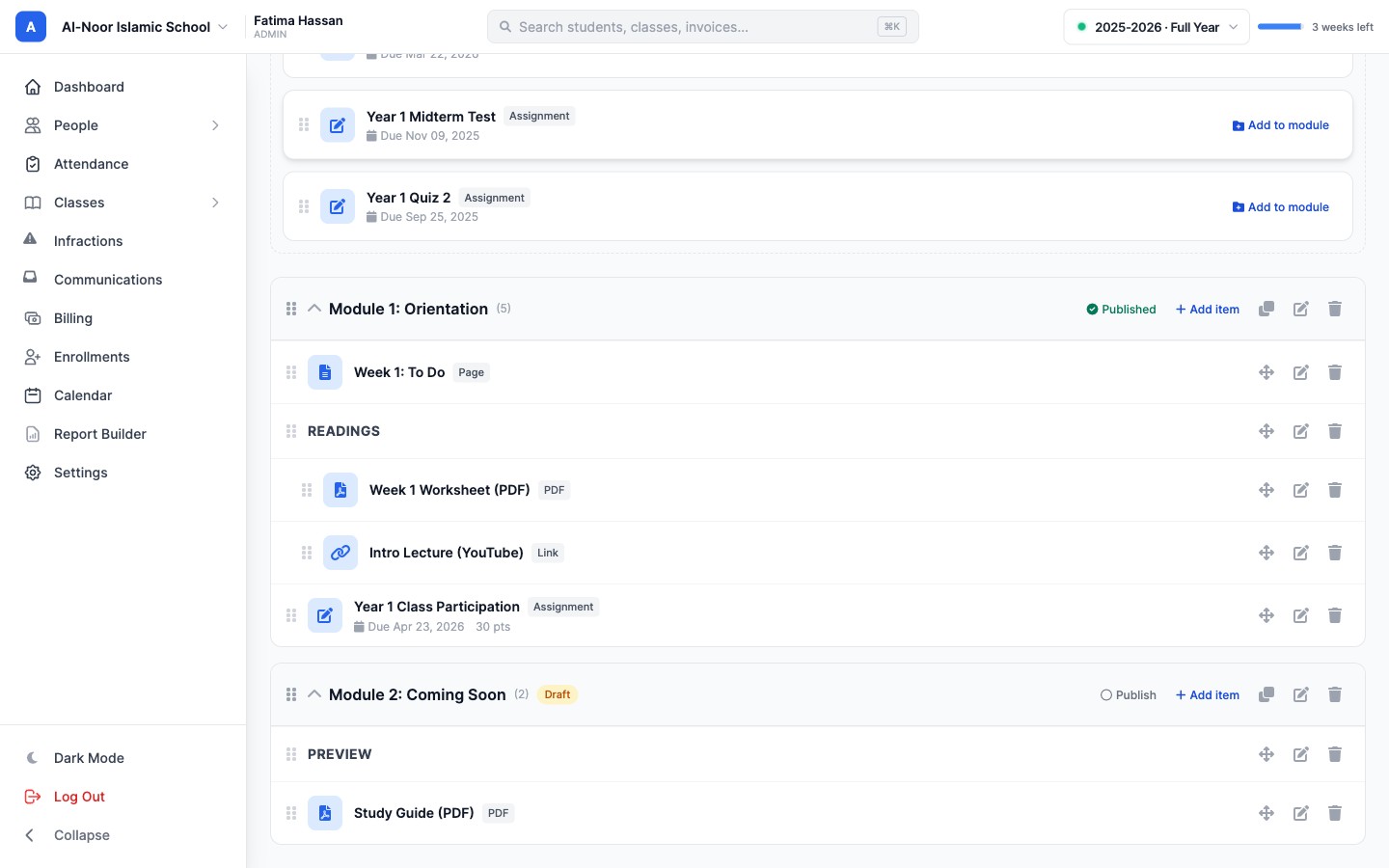
03Organize the learning
Group materials into modules and keep resources close to the work they support. A clear sequence helps students find the next lesson and lets teachers reuse a coherent course structure.
Thought through, down to the details
Give students a clear expectation for when work is due.
Collect supporting documents and student submissions.
Continue the conversation through gradebook comments.
Keep lesson files available alongside the learning sequence.
A few more details
Want to see how it fits your program?
Talk to our team ↗Yes. MarkTrack supports quiz assignments and file-based assignments, including multiple uploaded files.
Assessed work connects to the class gradebook, where teachers can review scores, statuses and comments.
Yes. Modules organize class learning materials, and class resources provide a place to share files.
More time for what matters
Bring your people, programs and daily work together in MarkTrack.
Built for Islamic schools, weekend programs and Hifz academies.