
Build your lessons with Modules
A lesson plan is more than a folder of files. With Modules, teachers and admins organize everything a class needs into clean, ordered units that students follow step by step. Think of it as building your own online course, one module at a time.
Drop in any kind of content
Add a YouTube lecture, a PDF worksheet, an online textbook link, a study guide, or a quiz you already created. Anything in your class can become a module item, and each one shows its type at a glance.
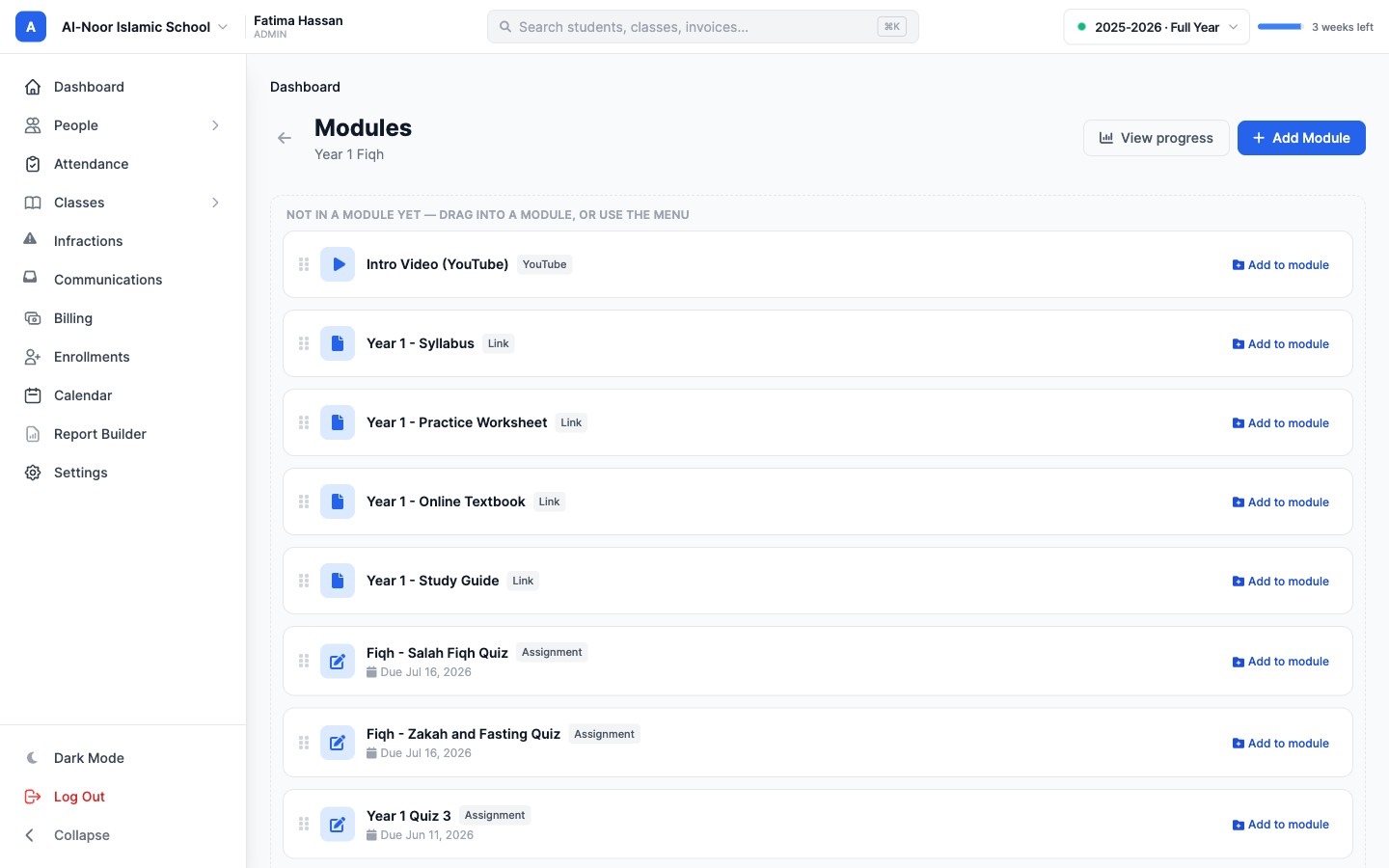
Organize it into modules
Group items into modules like "Module 1: Orientation," then drag them into the exact order you want. Add section headers such as Readings or Practice to break a week into parts. It looks and works like a course students actually want to open.
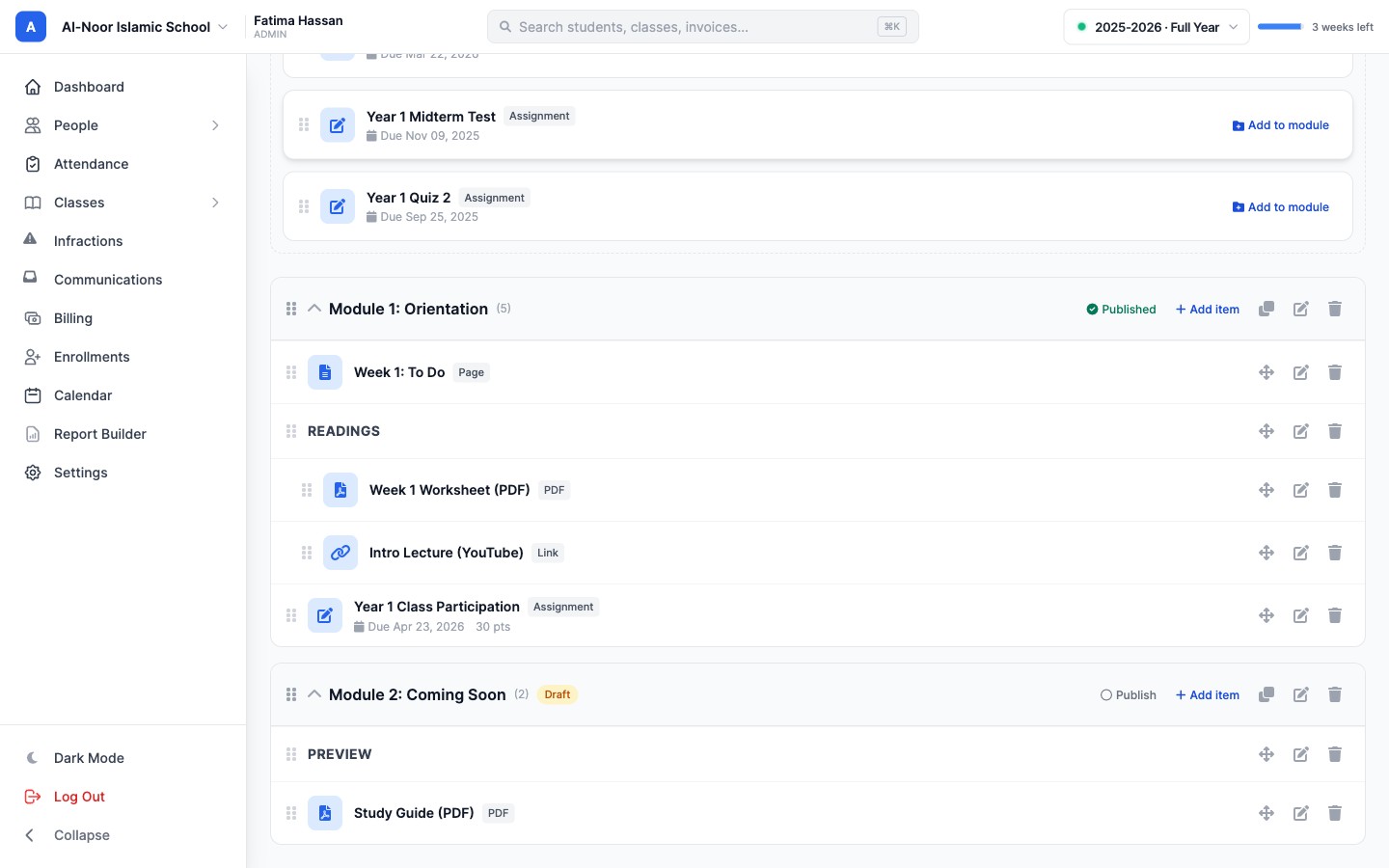
Publish when it is ready
Build quietly, then flip a module to Published when students should see it. Keep the rest as drafts, or set an availability window so a module unlocks on the right day. Teachers stay in control, and students always know what is next.
Perfect for online courses
Weekend programs, evening maktabs, Hifz tracks, and fully online courses all run on the same simple structure. Set it up once, reuse it next term, and your whole class follows one clear path. Explore it on the features page, or start a free trial and build your first module today.
Related reading
Interested in trying out MarkTrack for free?
Get in touch