
How to choose a school management system for a madrasa
Picking software for a madrasa is a big decision, and it is one you do not want to redo in a year. The good news is that there are a lot of solid options out there. This is a short guide to help you choose well, and an honest note on why we think MarkTrack is worth a look.
Start with what a madrasa actually needs
Before comparing tools, write down what your institution really uses day to day. For most madaris the list looks like this:
- Attendance that fits how you take it, whether that is per class or once for the day.
- A gradebook, and report cards that look the way your school expects.
- Hifz tracking for Sabaq, Sabqi, and Manzil.
- Salah tracking to encourage consistency.
- Tuition, invoices, and family billing.
- Enrollment and registration for new families.
- Something students and parents will actually open.
Any tool you pick should cover most of this in one place, without a spreadsheet on the side. Here is why MarkTrack does.
1. Powerful, and still easy to use
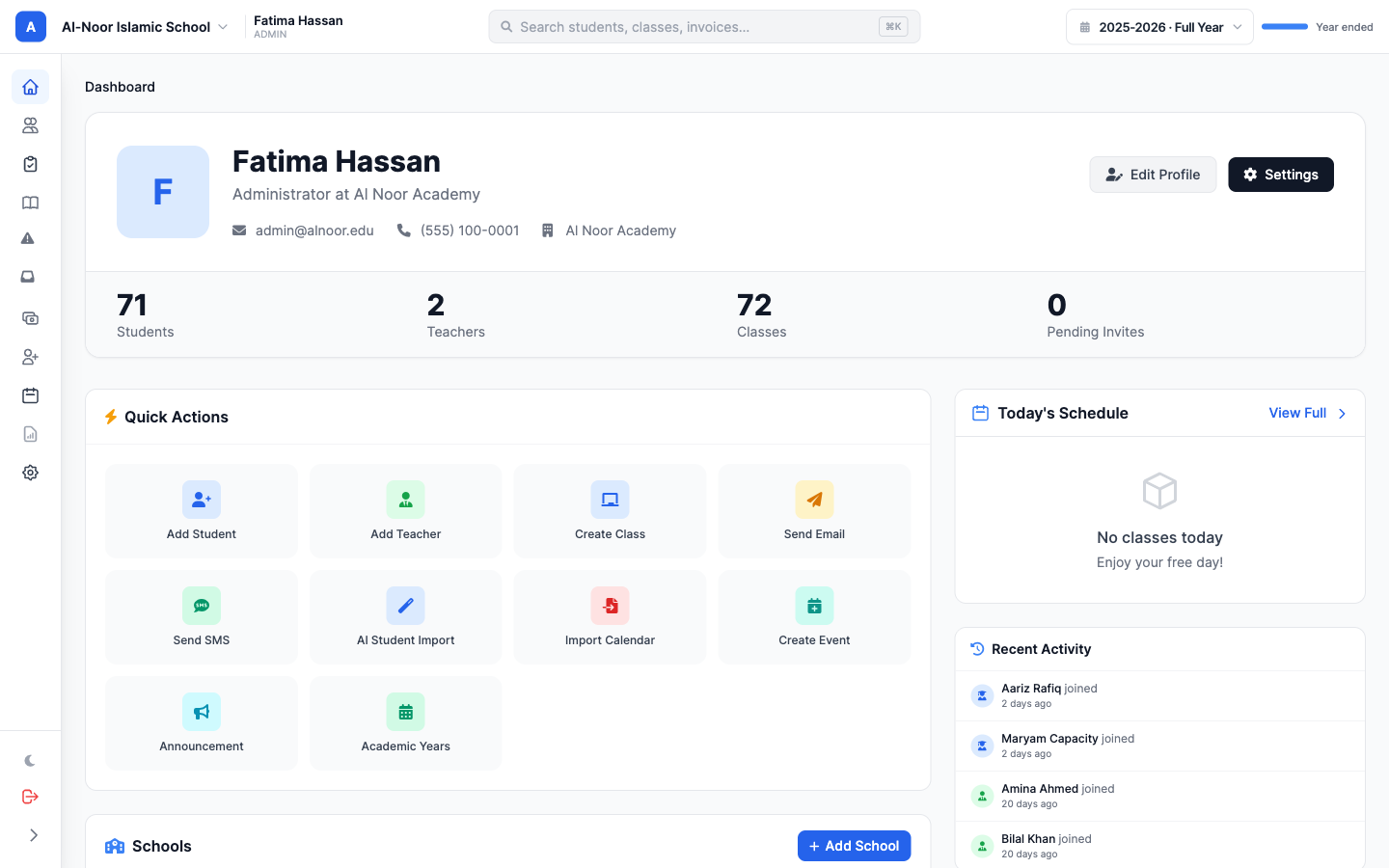
MarkTrack is built by engineers who have worked at Apple, Facebook, and Microsoft, and it shows in the details. You get different ways to take attendance, more than one gradebook type, report card templates you can shape to your school, Hifz tracking, and salah tracking. It is a lot of capability, but the day to day stays simple enough that a teacher can pick it up without training.
2. Real iOS and Android apps, not just a website
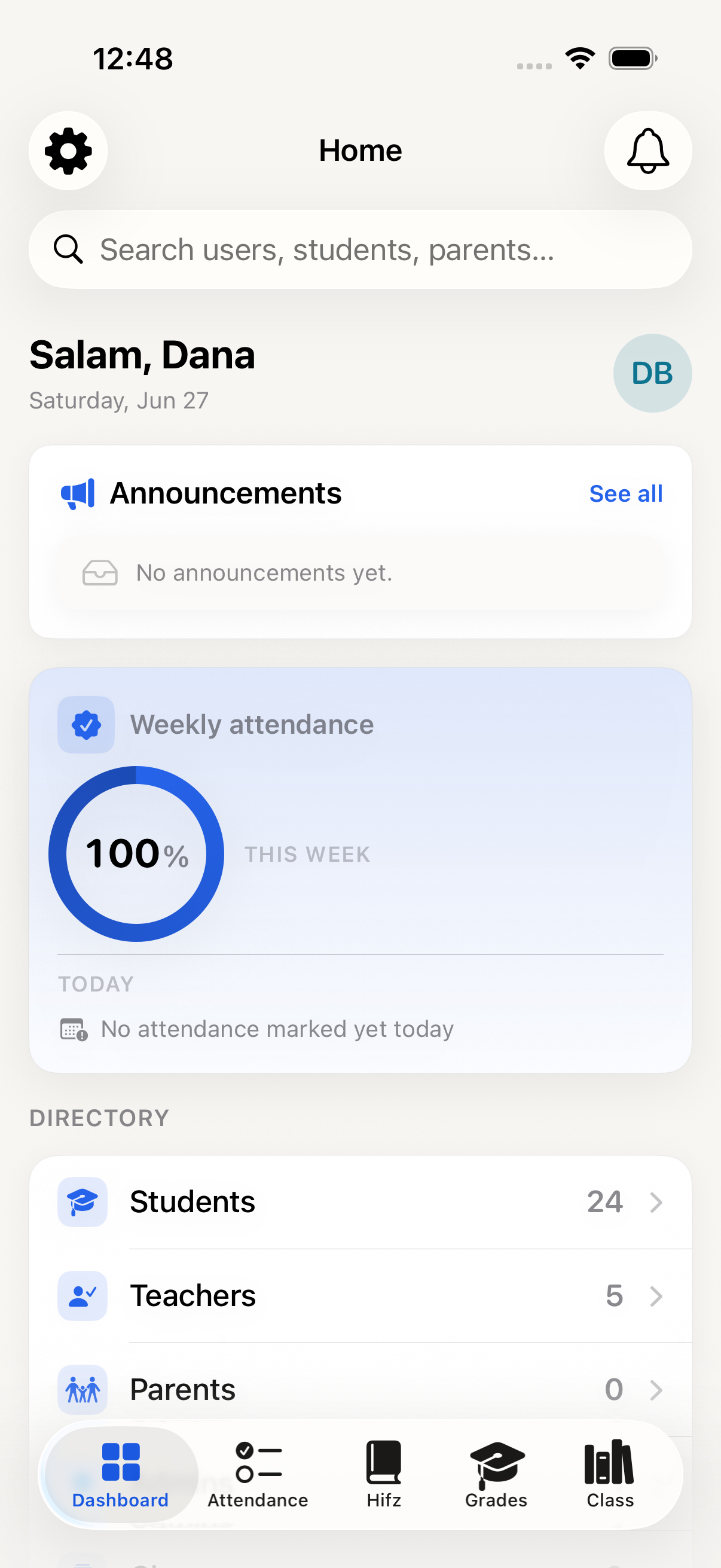
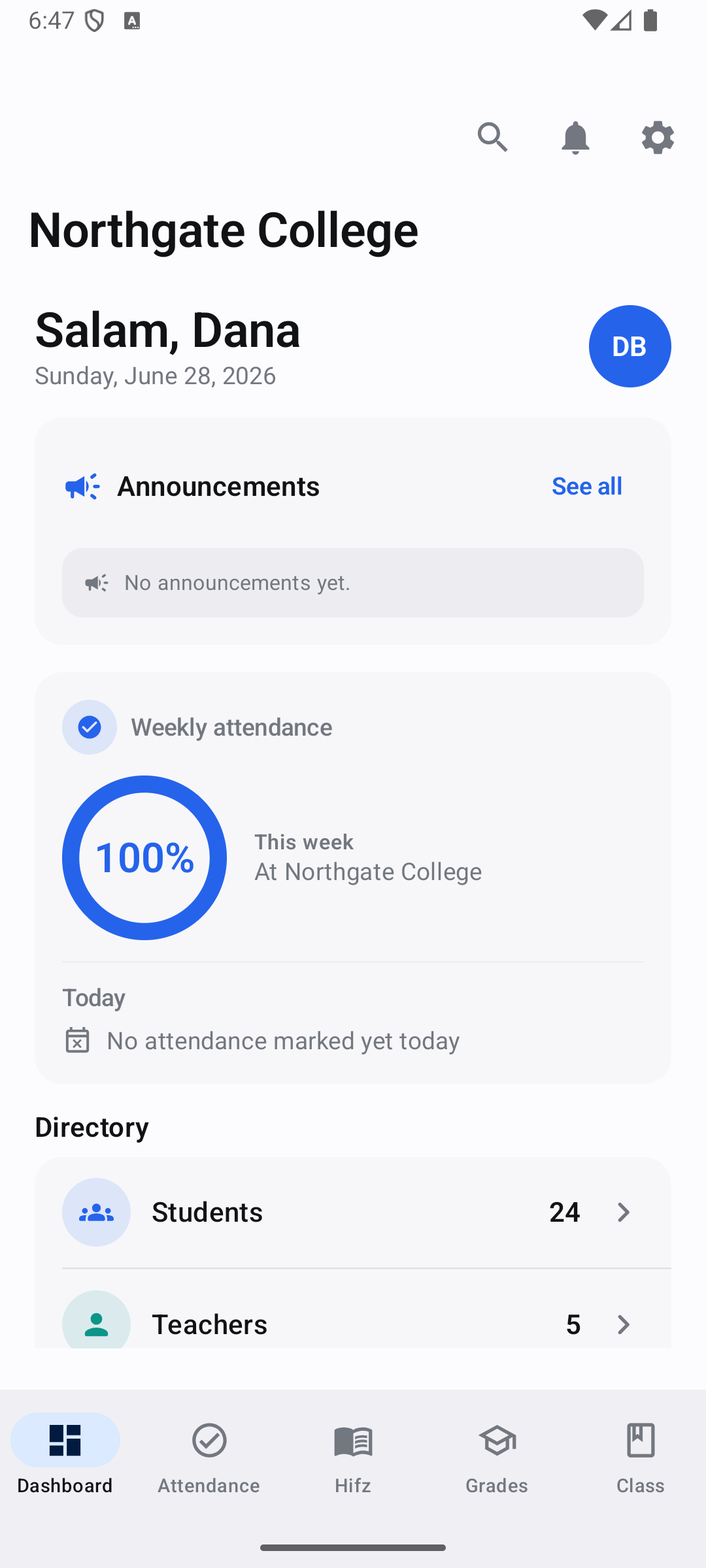
A lot of school software is a website squeezed onto a phone. Ours are real, native apps on both iPhone and Android, built by a team that works only on mobile, so they feel like something Apple or Google would make. That matters, because the app is the part students and parents touch every day. It makes it easy to submit an assignment, check attendance, and read announcements from your phone.
3. Onboarding that does not stall
You can set up MarkTrack yourself using our AI tools, which handle a lot of the tedious parts like importing your roster. If you would rather have help, a dedicated team will sit with you one on one and get you running. Either way, you are not left to figure it out alone.
4. Schools already trust it
We are used every day by institutions like Kufah College, Darul Uloom New York, and Darul Uloom Hamidiyyah, with more than 500 users across students, parents, and teachers. These are real programs running real classes on MarkTrack.
5. Built by people who sat in the same seats
The founders have been seminary students for more than seven years. We are building this for our own institutions first, not just as a business. That is why the Hifz tracker, the salah tracking, and the report cards feel like they were made by someone who understands a madrasa, because they were.
Take your time, then take a look
Whatever you choose, pick the tool that covers your real list and that your teachers and families will actually use. There are good options out there, and we would be glad to be one you consider.
See everything MarkTrack does, or book a quick call and we will walk through it with you.
Related reading
Interested in trying out MarkTrack for free?
Get in touch