
Email the whole school in two clicks
Snow day? Schedule change? Open house Friday?
Most schools handle this with a Mailchimp list someone hasn't updated since last summer, a WhatsApp group that splits when it hits 256 people, and a teacher cc'ing 80 parents from her personal Gmail.
We have a button.
Pick who gets it
Teachers. Parents. Students. A specific class. A specific year. Or all three at once. The recipient list is built from the same data your gradebook and roster already use, so it's never out of date.
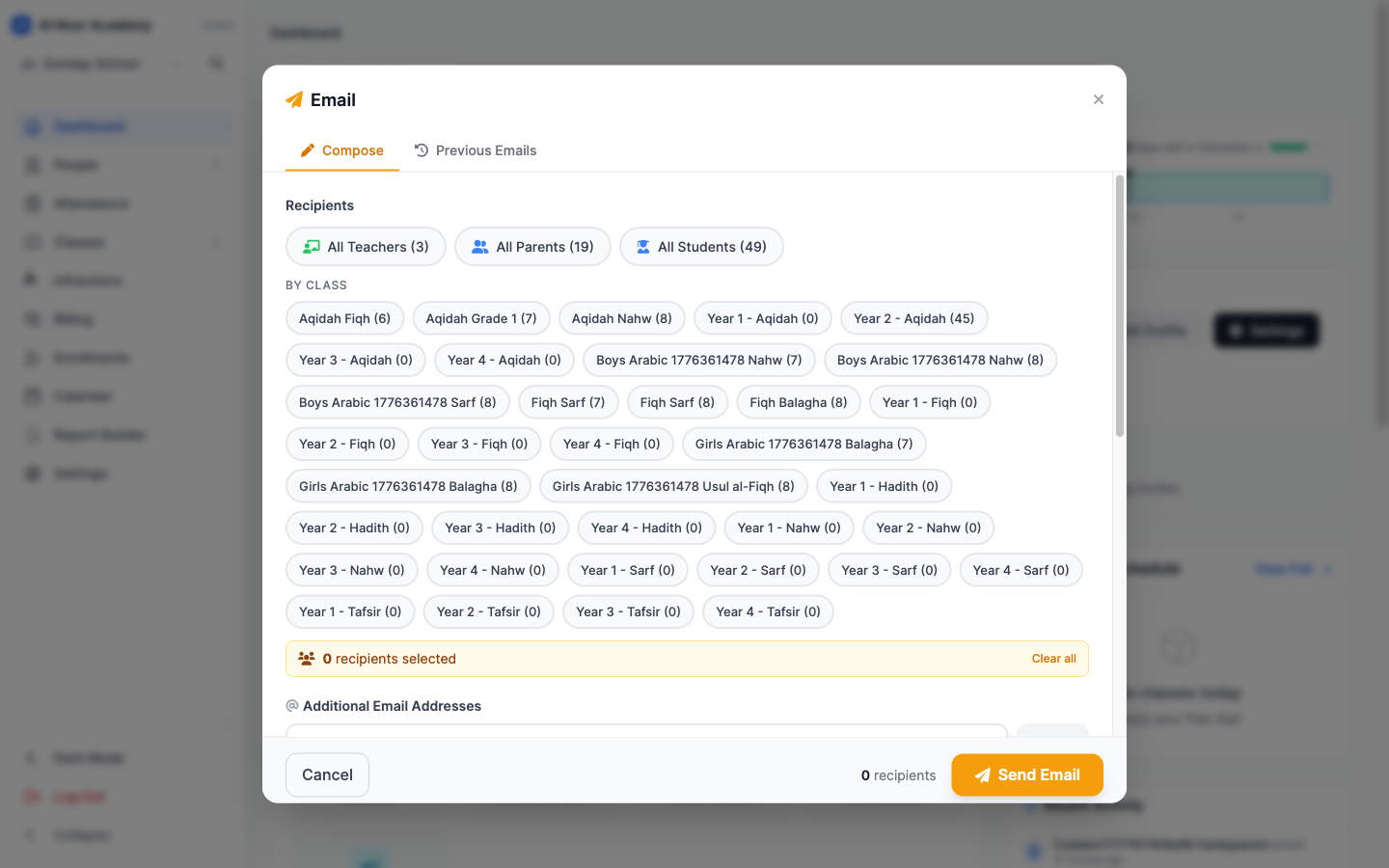
Tap once, recipient count updates
Tap All Parents and the recipient count jumps. Tap a class and only those parents are added. Mix and match. There's no "list management" because there are no lists. There's just your school.
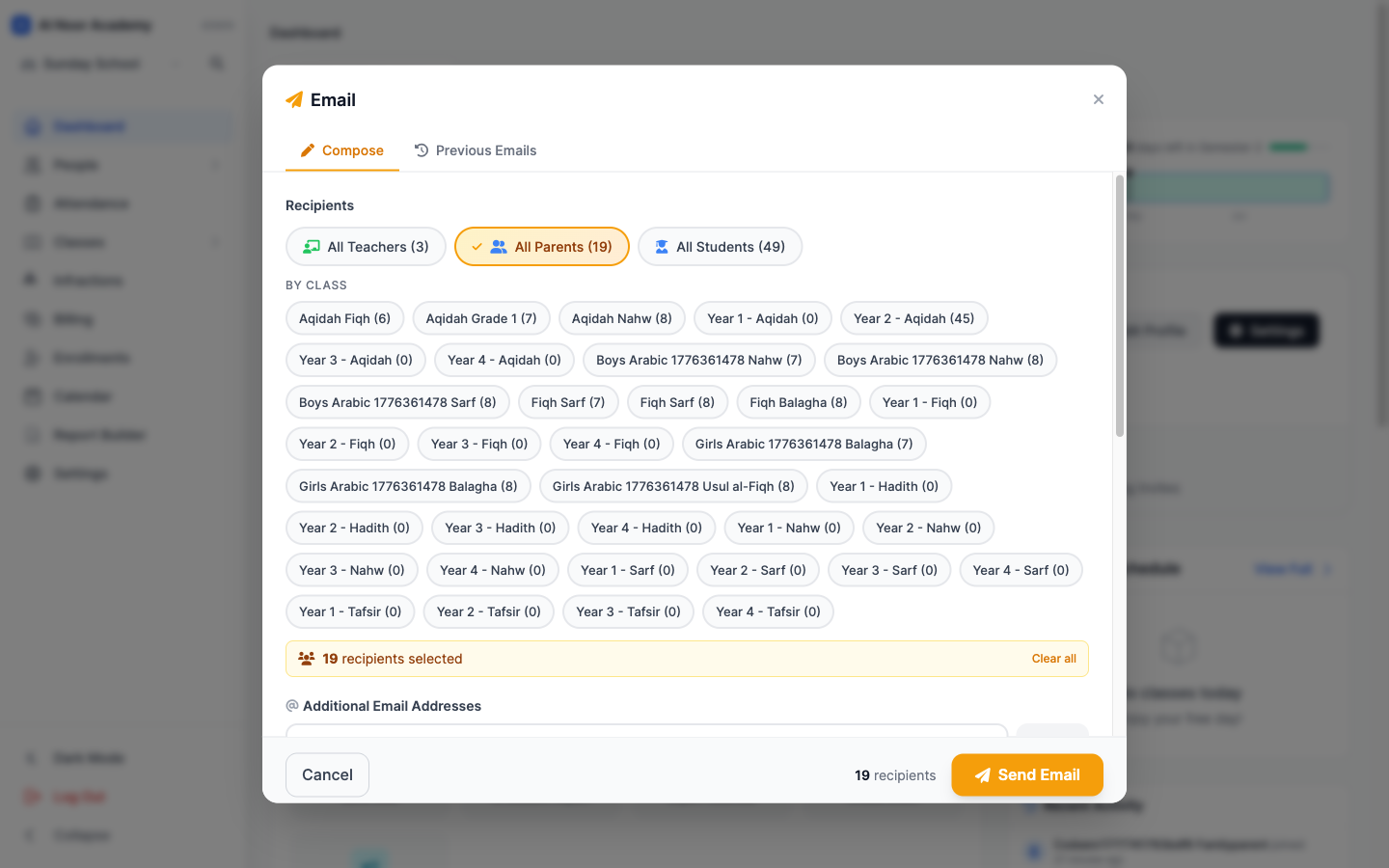
It also remembers
Every email you send is logged in Previous Emails. So when a parent says "I never got that," you can prove you did.
It is not exciting. It just works. Which is the whole point. The full feature list is on the features page, or contact us if you want a quick demo.
Related reading
Interested in trying out MarkTrack for free?
Get in touch