
MarkTrack is the simplest school software
Most school software lands on you like a flight deck. Twelve menus, four levels deep, training videos for every screen. We built MarkTrack to be the opposite of that.
Three people log in. The admin, the parent, the student. Each one sees exactly the few things they care about, and nothing else.
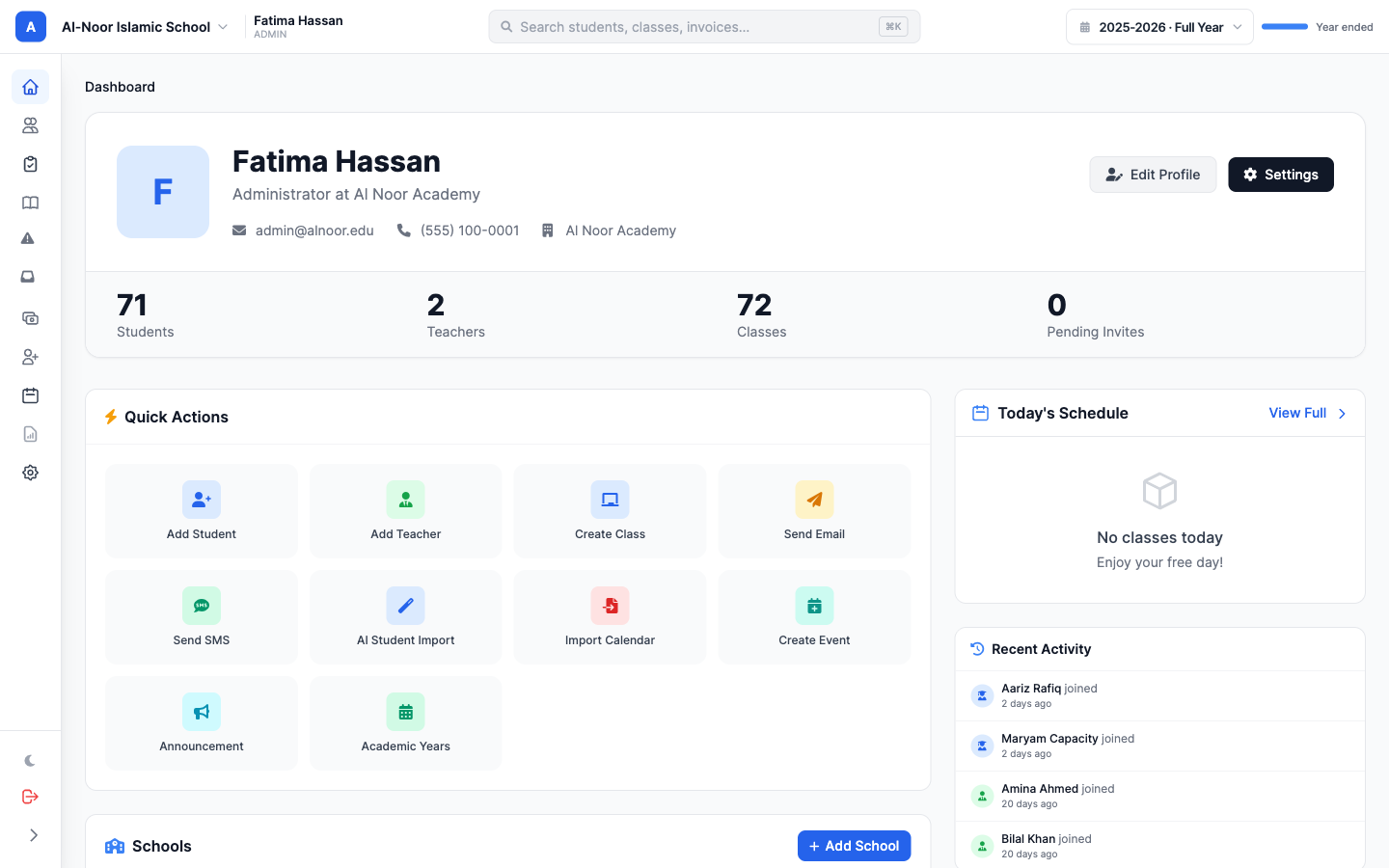
The admin sees the school at a glance
Counts on the left. Quick actions in the middle. Recent activity on the right. If something needs attention, it shows up on the dashboard. If it does not, it stays out of the way.
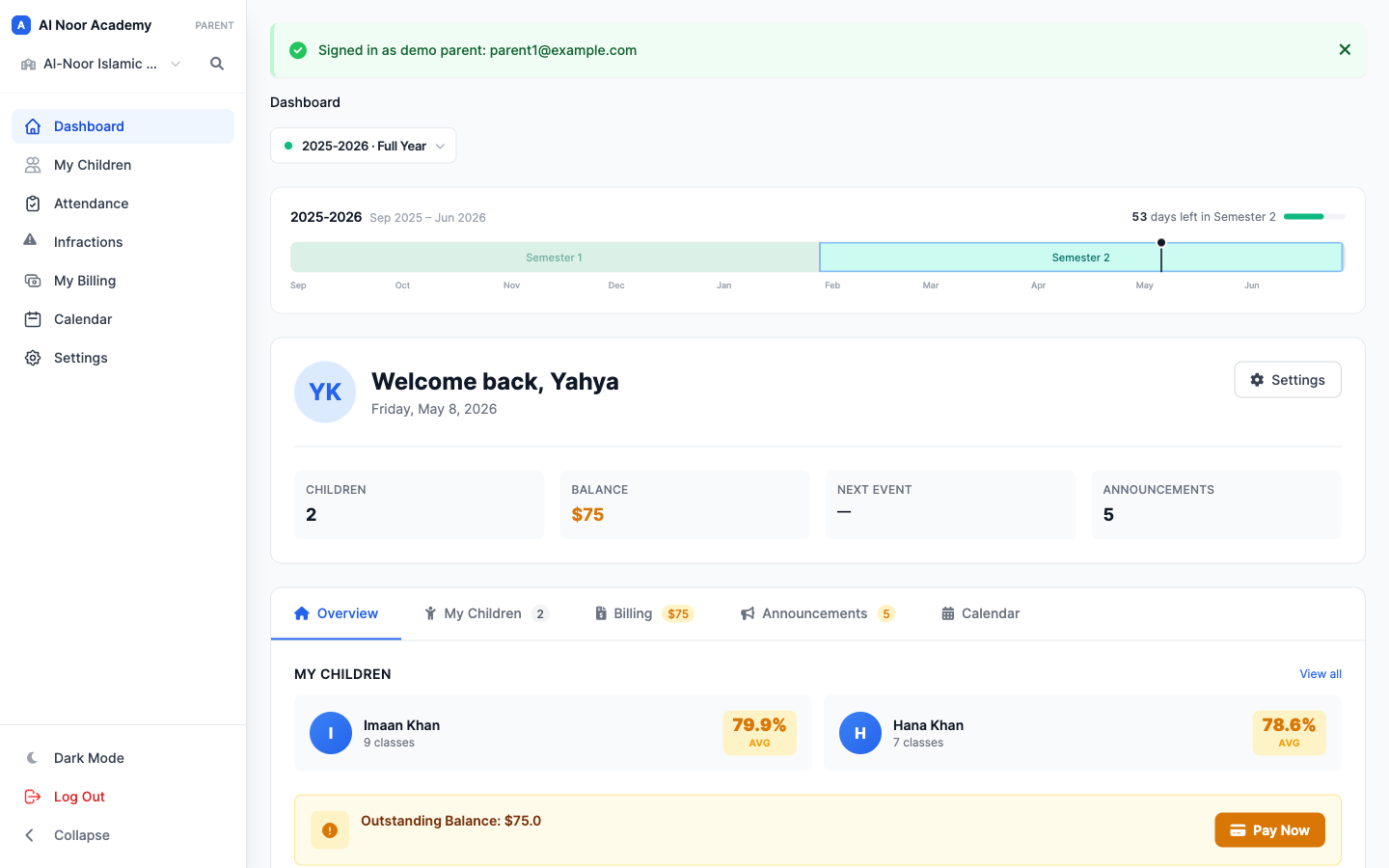
The parent sees their family
How are my kids doing in their classes. What do I owe. When is the next event. Are there any messages I should read. That is what a parent opens the app for, so that is what we put first.
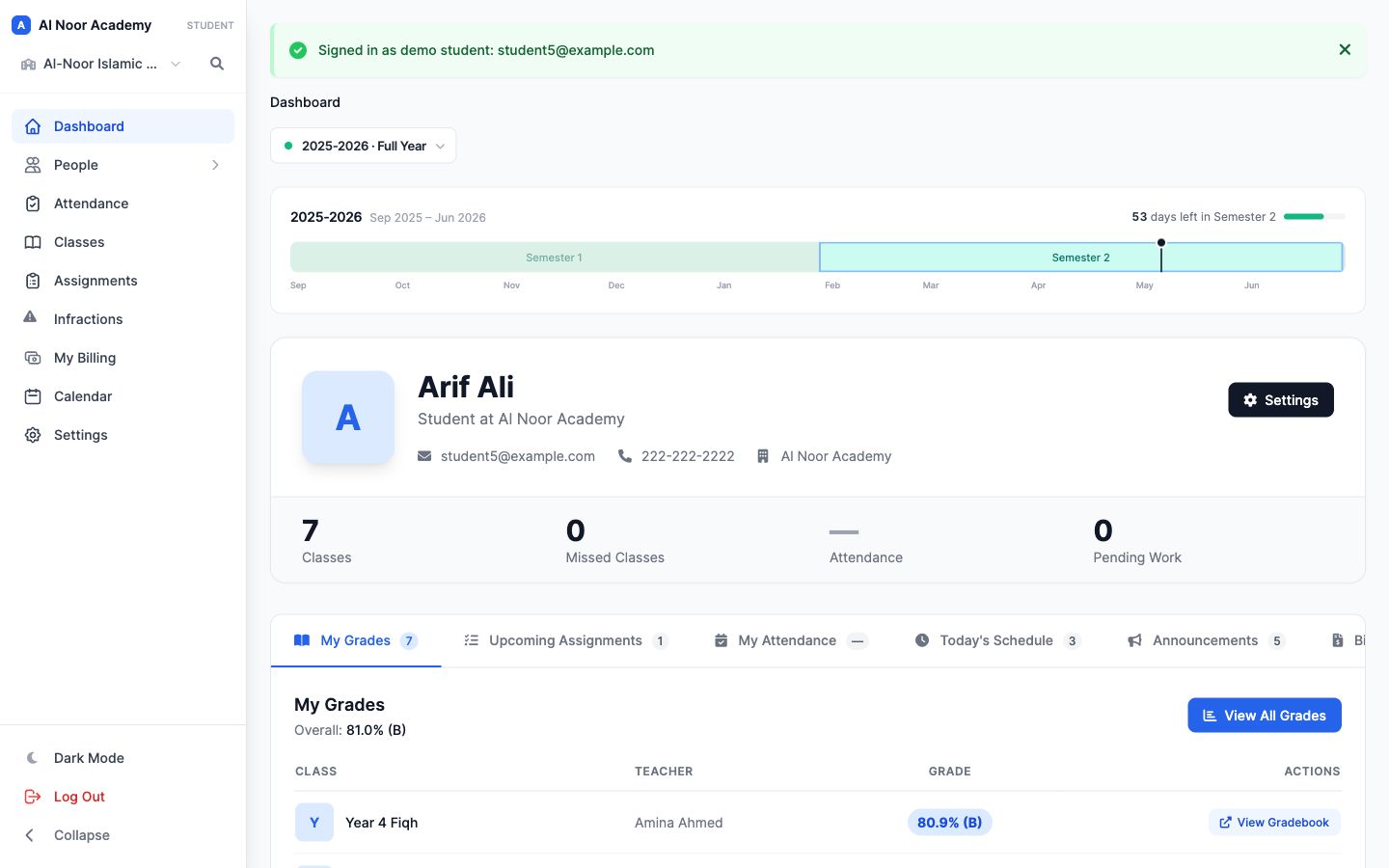
The student sees their grades
Overall average up top, every class with the current letter grade, upcoming assignments, and today's schedule. No scavenger hunt across five tabs to find out what is due tomorrow.
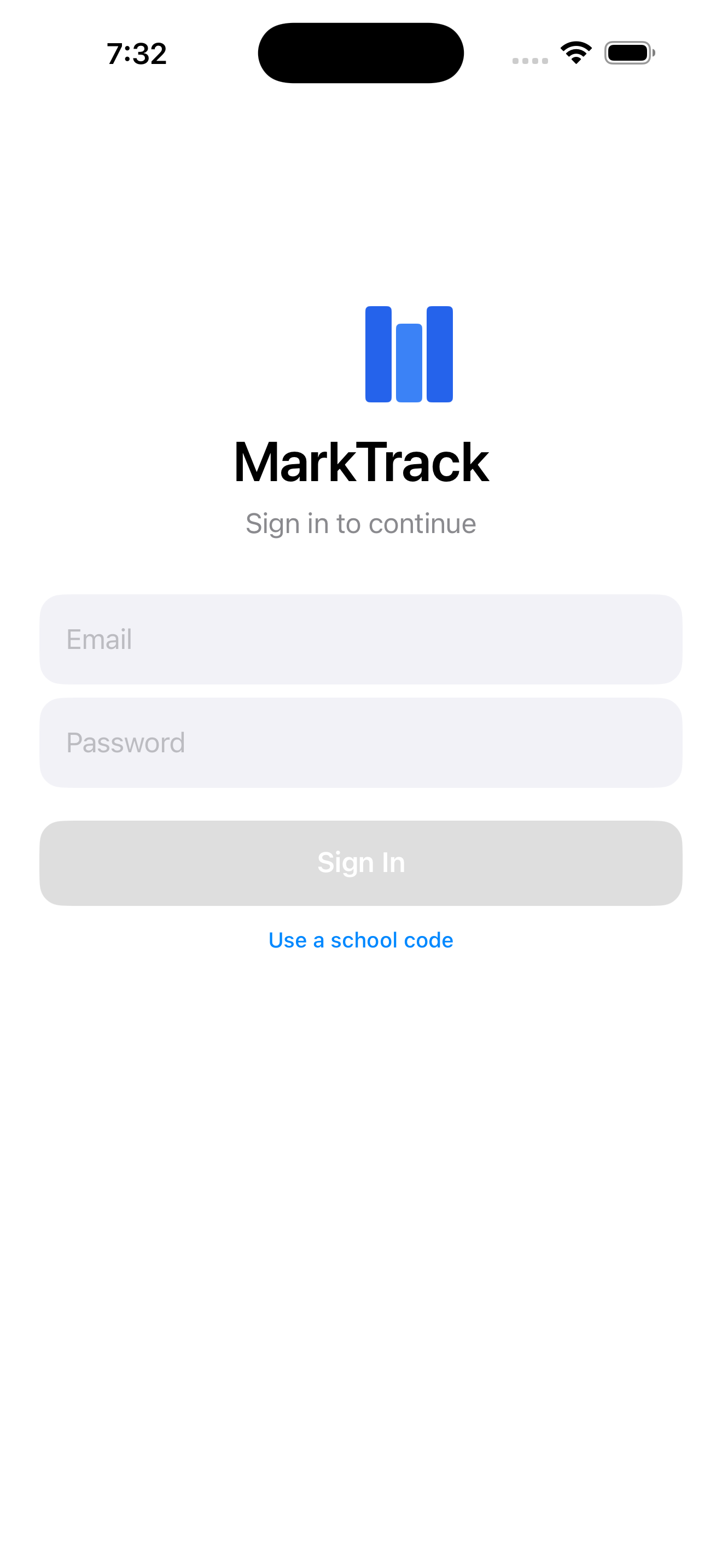
And on the phone
Same idea, native iPhone and Android apps. Open, glance, done. Sign in with Face ID or your fingerprint and you are in.
Simple is the feature
Other platforms ship every box-checking feature anyone has ever asked for and let you go figure out the rest. We pick the small set of things a school actually uses every day, and make those one click away.
Take a look at the features page, or get in touch for a quick walkthrough.
Related reading
Interested in trying out MarkTrack for free?
Get in touch